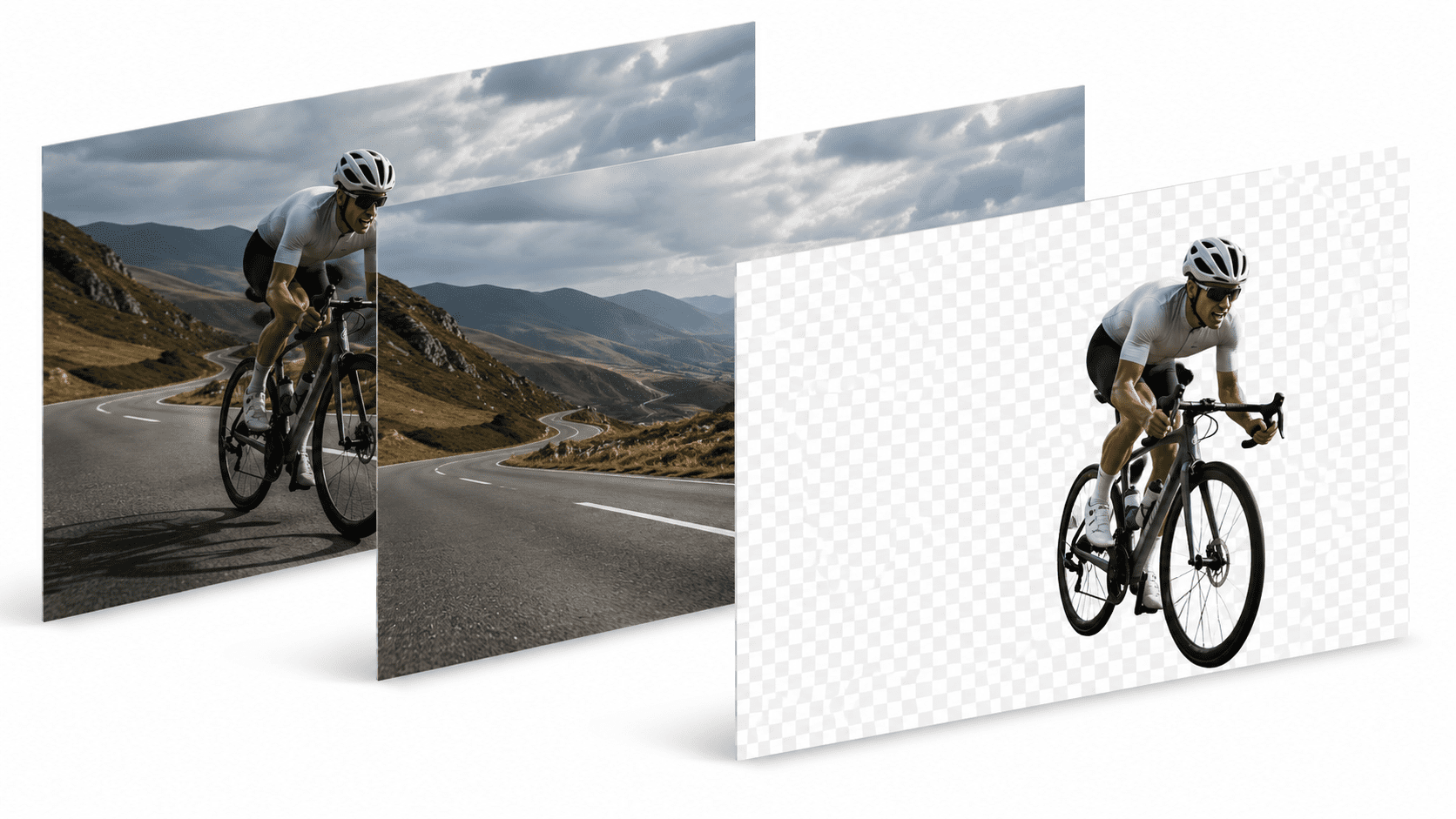
Upscaling
How to Upscale Photos Without Sending Them to the Cloud
Published July 26, 2026 · 5 min read

A photo taken on an old phone, a screenshot, a scan of a printed picture — sooner or later you need one of these at a size it was never meant for. Stretching it in an editor just makes the blur bigger. That's the problem AI upscaling actually solves.
What upscaling does that resizing can't
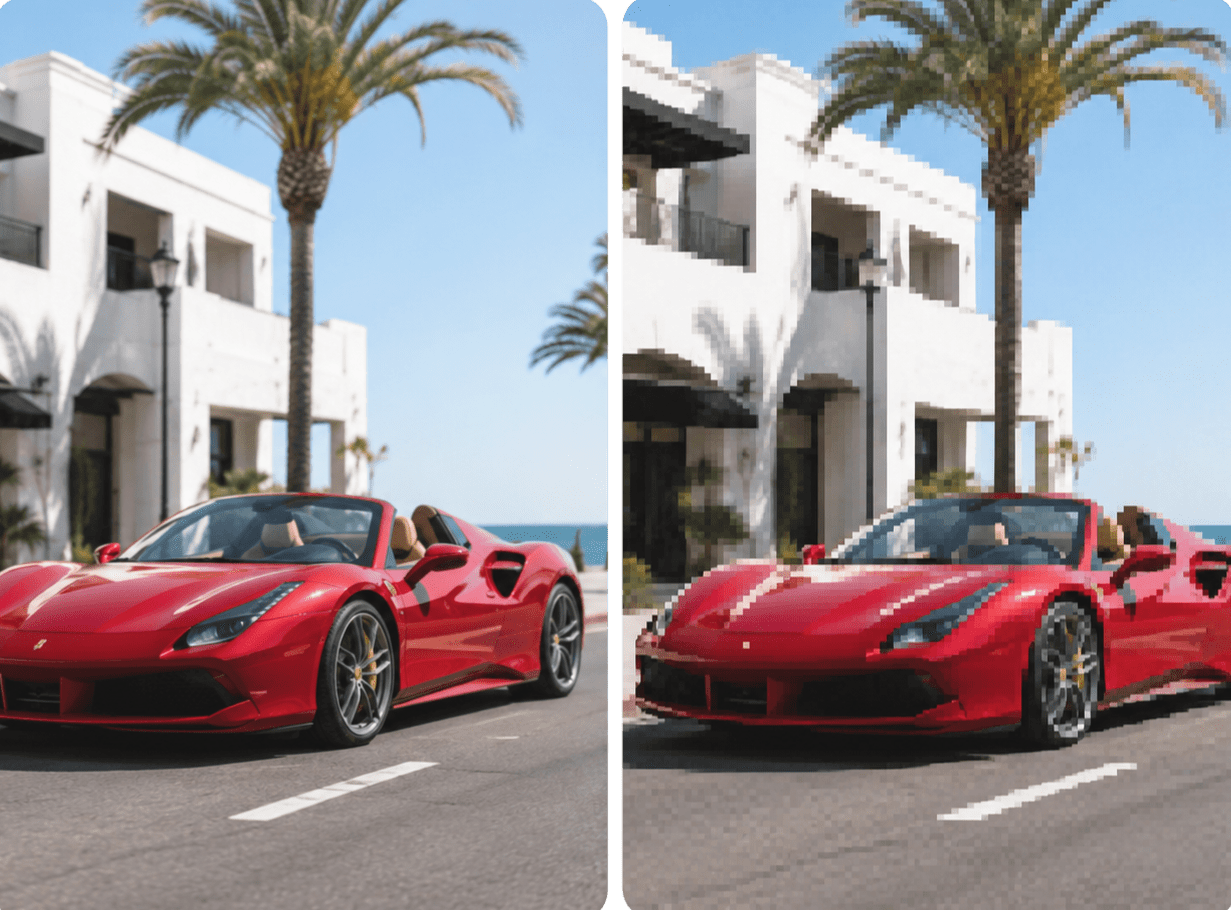
Traditional resizing works by interpolating existing pixels — guessing colors between the ones that already exist. It gets you more pixels, not more detail; past a certain point the image just looks like a bigger, blurrier version of itself.
AI upscaling is different. The model has learned what real-world detail tends to look like — edges, textures, fine lines — and uses that to reconstruct plausible detail as it increases the image's dimensions.
Why most upscalers are cloud-only
Upscaling is compute-heavy, which is why most free upscaling tools are really just a frontend for a server that does the actual work. Your low-res photo gets uploaded, processed remotely, and a bigger version comes back — the same trade-off discussed for background removal.
Upscaling locally instead
PixelMod's Upscale HD tool runs on the web for quick edits, and fully offline in the desktop app for Mac and Windows. Resolution and 2x/4x availability scale with your plan, and downloads are unlimited in the desktop app on every tier, including Free.
Good use cases for upscaling
- Old product photos that need to be reused at a larger size for a new listing.
- Print materials where the source image is lower resolution than the print size requires.
- Scanned or archival photos where the original file is small and can't be recaptured.
- Social or marketing assets pulled from an old screenshot or export.
It's worth setting expectations honestly: upscaling improves how an image looks, but it can't recover detail that was genuinely never captured.
Frequently asked questions
What does AI upscaling actually do?+
It predicts and fills in plausible detail as it increases an image's pixel dimensions, rather than just stretching and blurring the original pixels like traditional resizing.
Can I upscale a photo without uploading it anywhere?+
Yes. PixelMod's desktop app for Mac and Windows runs the upscaling model locally, so the image never has to be sent to a server.
How much can I upscale an image?+
PixelMod supports 2x and 4x upscaling depending on your plan, with resolution ceilings that scale from Free up through Pro.
Try upscaling that stays on your device
Start free on the web, or install the desktop app for fully offline editing.
Try Upscale HD