
Layers
Layers: Separating a Subject From Its Background Without Losing Editability
Published July 26, 2026 · 5 min read
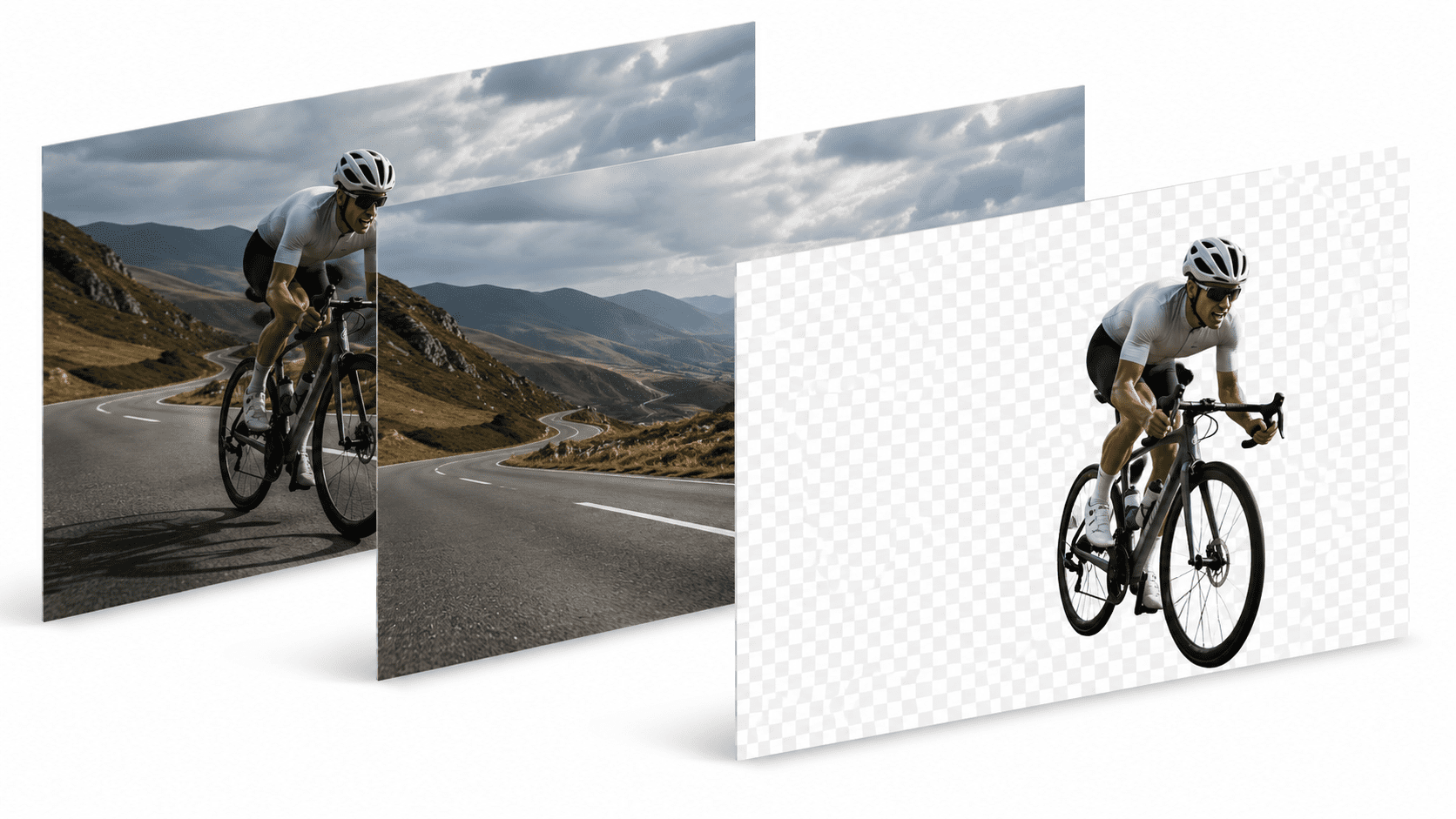
Remove the background from a photo and you get one thing: a flat cutout on a transparent canvas. That's exactly what you need for a lot of jobs. But the moment you want to change your mind about the composition, a flat cutout becomes a dead end.
The problem with a single flat cutout
Once a subject is cut out and the background is gone, there's no path to trying a different crop of the original background, no way to nudge the subject slightly without starting over, no way to try three different background colors without re-running the whole edit three times.
What Layers does differently
PixelMod's Layers tool separates a photo into its subject and its background as independent, still-editable pieces, instead of collapsing everything into one flat result:
- Reposition the subject against the same background, or a new one, without re-cutting anything.
- Swap backgrounds and compare options side by side.
- Refine each layer separately — touch up edges on the subject without disturbing the background.
- Build multiple exports from one source photo, useful for a set of ad variations.
Cutout vs. Layers — which do you actually need?
If you know exactly what the final image should look like and you're only exporting it once, a straightforward background cutout is faster — that's what the Remove Background tool is for. Reach for Layers when the composition itself is still an open question.
Same privacy principles apply
Layers processes images the same way the rest of PixelMod does: web uploads are used only to produce your result and are deleted automatically afterward, and none of it is used to train AI models.
Frequently asked questions
How is Layers different from a regular background cutout?+
A regular cutout gives you one flat transparent PNG. Layers separates the subject and background into distinct, independently editable pieces, so you can still adjust either one afterward.
When should I use Layers instead of just removing the background?+
When you're not sure the first composition is final — swapping backgrounds, repositioning the subject, or building several variations from the same source photo.
Is Layers available on the desktop app?+
Layers is currently in beta on PixelMod's web app. Check the tool page for the latest availability.
Give your image a second chance
Try Layers Beta and keep every option open after the cutout.
Try Layers Beta