
Blog
Guides for private, offline photo editing
How to remove backgrounds, upscale and separate image layers — without handing your photos to a cloud server.

Background removal
How to Remove a Background Without Uploading Your Photo
Why cloud background removers require an upload, and how to get clean cutouts entirely on your own device instead.
Read the guide →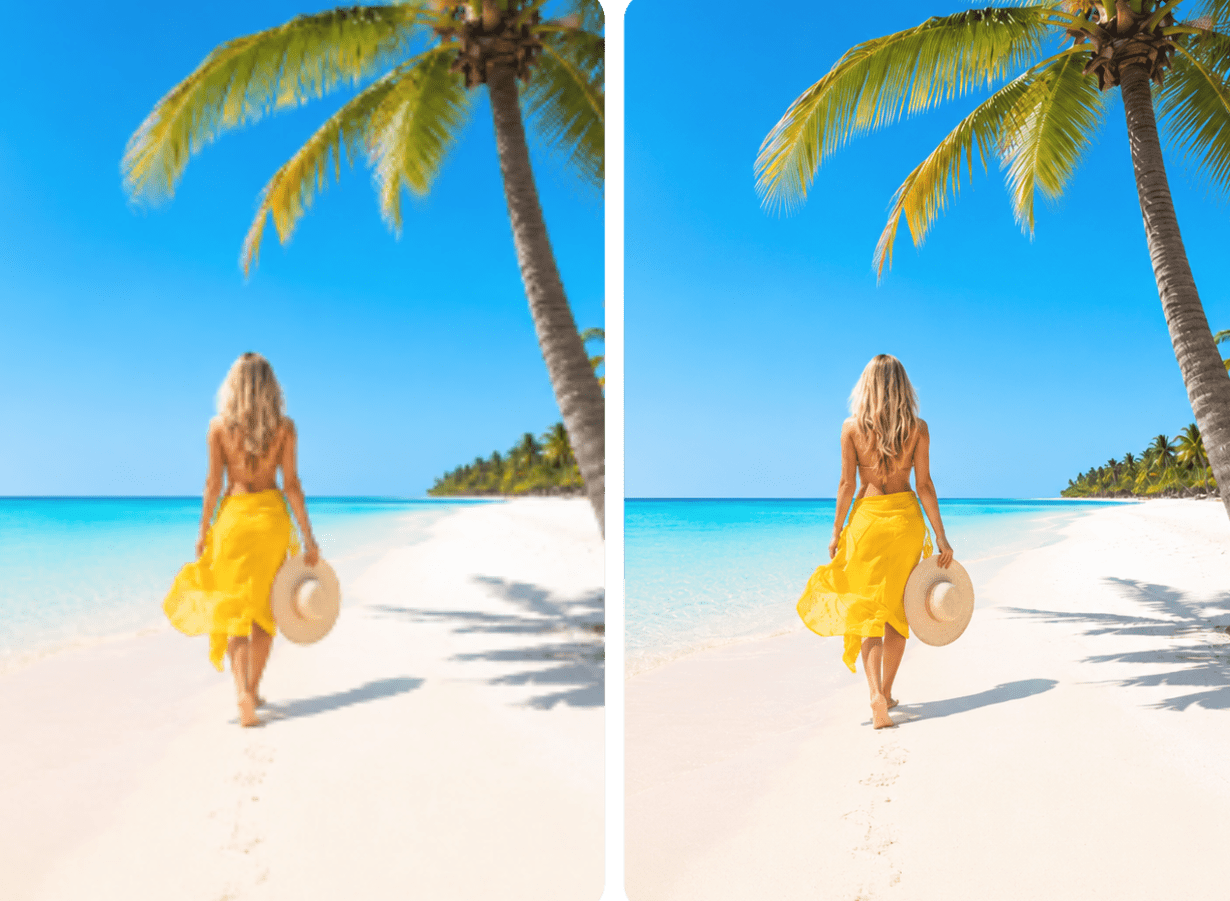
Upscaling
How to Upscale Photos Without Sending Them to the Cloud
What AI upscaling actually does, and how to increase resolution for print or product photos without an upload step.
Read the guide →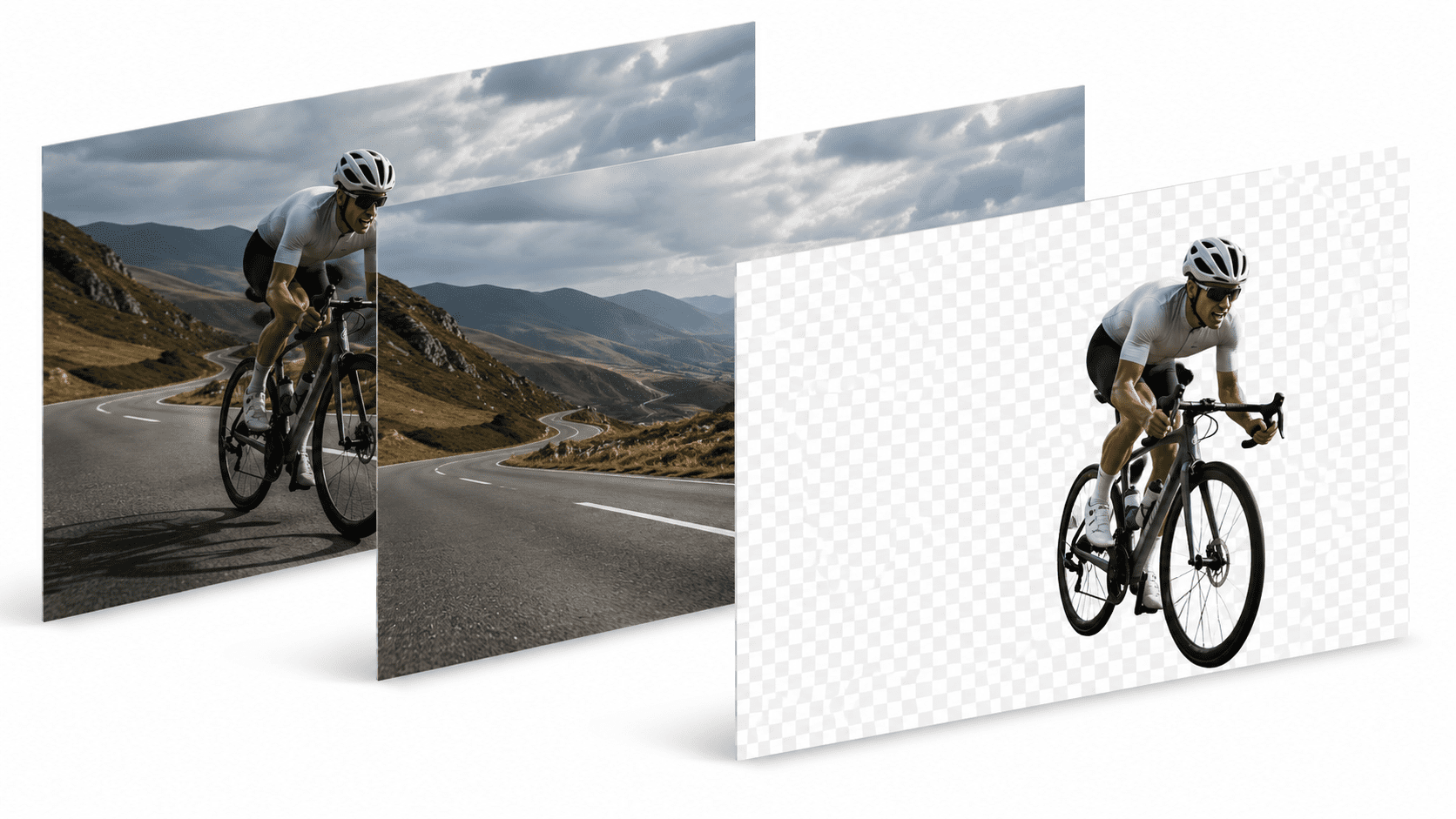
Layers
Layers: Separating a Subject From Its Background Without Losing Editability
Why a single flat cutout isn't always enough, and how editable layers give you a second chance at a composition.
Read the guide →
Background removal
How to Remove a Background Without Losing Fine Detail Like Hair or Fur
Why hair and fur trip up automatic cutouts, and what to look for when most tools give you no way to fix it.
Read the guide →
Optimize
How to Compress Images Without Losing Quality
Smaller files don't have to mean visibly worse photos — how to compress a whole batch offline instead.
Read the guide →
Resize
How to Resize Images for Every Channel Without Redoing the Work
Crop, fit, or pad — how to generate every size a channel needs from one source photo, in one batch.
Read the guide →Try the private way to edit your photos
Start free on the web — or install the desktop app for fully offline editing, with unlimited downloads on every plan.
Try PixelMod free