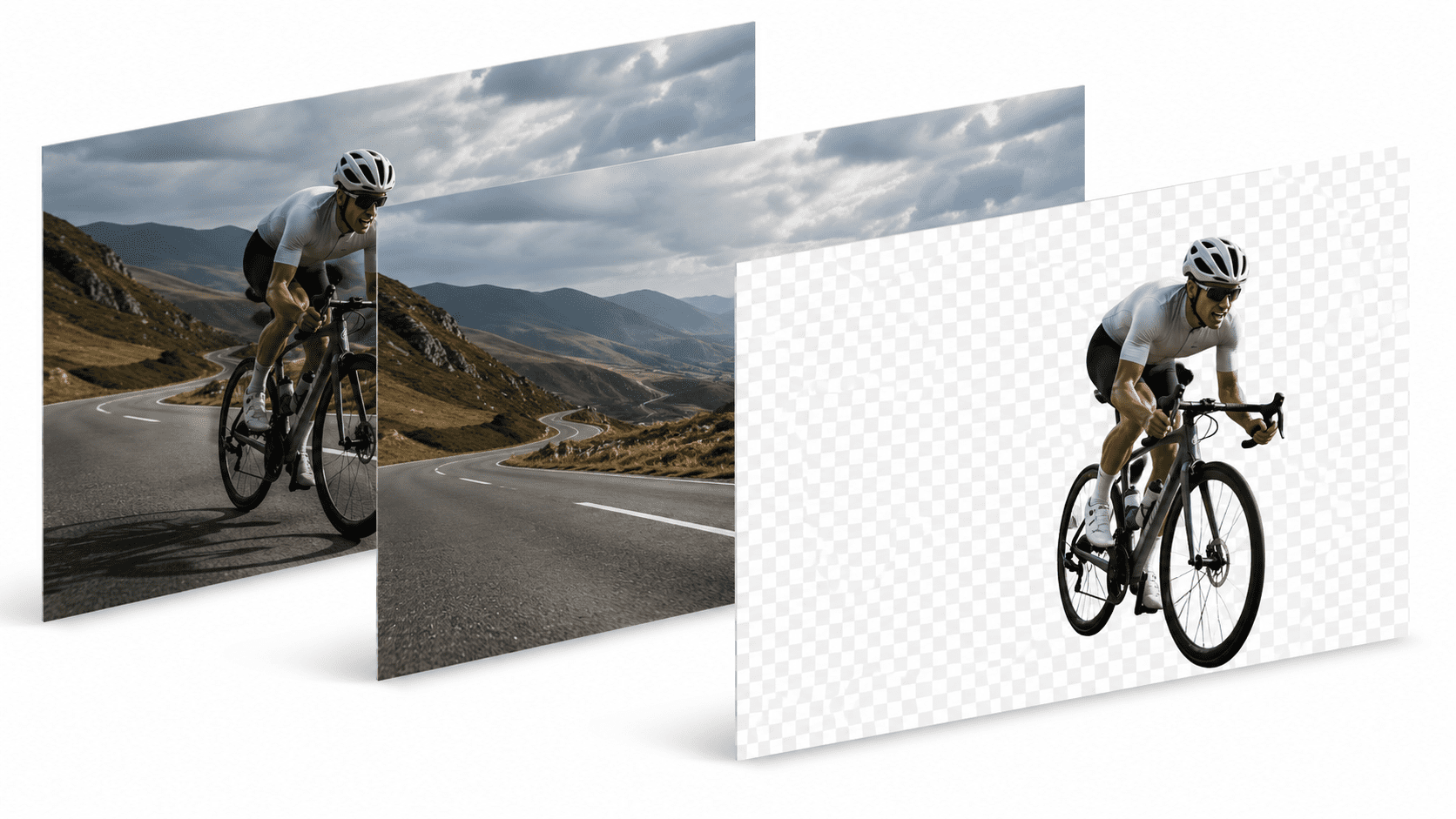
Background removal
How to Remove a Background Without Uploading Your Photo
Published July 26, 2026 · 6 min read

Type "remove background" into Google and almost every result works the same way: drag a photo into a browser tab, wait a few seconds, download a transparent PNG. It's fast, and for a lot of people that's the whole story.
But there's a step in the middle that's easy to overlook — your photo left your computer. It was sent to a server somewhere, processed, and sent back. For a casual edit of a stock photo, that's not a big deal. For a product shot under an NDA, a client's unreleased design, or anything you'd rather not hand to a third party at all, it matters more than the result itself.
Why cloud background removers need an upload
Background removal is done by an AI model — the software looks at every pixel and decides which ones belong to the subject and which belong to the background. Running that model takes real compute, usually a GPU, which is why almost every free background remover you've used is actually a website talking to a server farm behind the scenes.
That's a reasonable trade-off in a lot of cases. It's just not the only way to do it.
What offline background removal actually means
Instead of sending the image to a remote server, the AI model runs directly on your own computer. The trade-off flips: you need software installed locally (rather than "no download, just a browser tab"), but nothing about a normal edit ever leaves your device.
PixelMod's background remover works both ways: the web version is fast and needs no install, and the desktop app for Mac and Windows processes everything locally, with unlimited downloads on every plan, including Free.
When it actually matters
- Unreleased products. Photos of something that hasn't launched yet shouldn't sit on a third-party server, even briefly.
- Client work under NDA. "Deleted after processing" is a policy, not a guarantee you can independently verify.
- Personal or sensitive photos. ID photos, medical documentation, or anything with a face you don't want fingerprinted by a training pipeline.
- No internet, no problem. Editing on a flight, in a basement studio, or anywhere with unreliable connectivity.
Does going local mean worse quality?
Not with PixelMod. The desktop app runs the same AI models as the web version — the Standard model on every plan, and the higher-accuracy Maximum Quality model from the Starter plan up, at resolution ceilings that scale with your plan.
Frequently asked questions
Why do most background removers require an upload?+
Cloud background removers run the AI model on their own servers, so your image has to travel there first. That's fine for a quick one-off edit, but it means every photo you process leaves your device.
How does offline background removal work?+
The AI model runs directly on your computer instead of a remote server. PixelMod's desktop app does this on Mac and Windows — a photo is processed and exported without ever being sent anywhere.
Is offline background removal as accurate as cloud tools?+
It can be. PixelMod's desktop app uses the same AI models as the web version, including a Maximum Quality option on paid plans, so quality doesn't have to be a trade-off for privacy.
Try background removal that stays on your device
Start free on the web, or install the desktop app for fully offline editing.
Try the background remover